Inside the Portal
See the patient portal before you sign up.
Real screens from the YourMD patient portal — the same ones you'll see after your first sign-in.
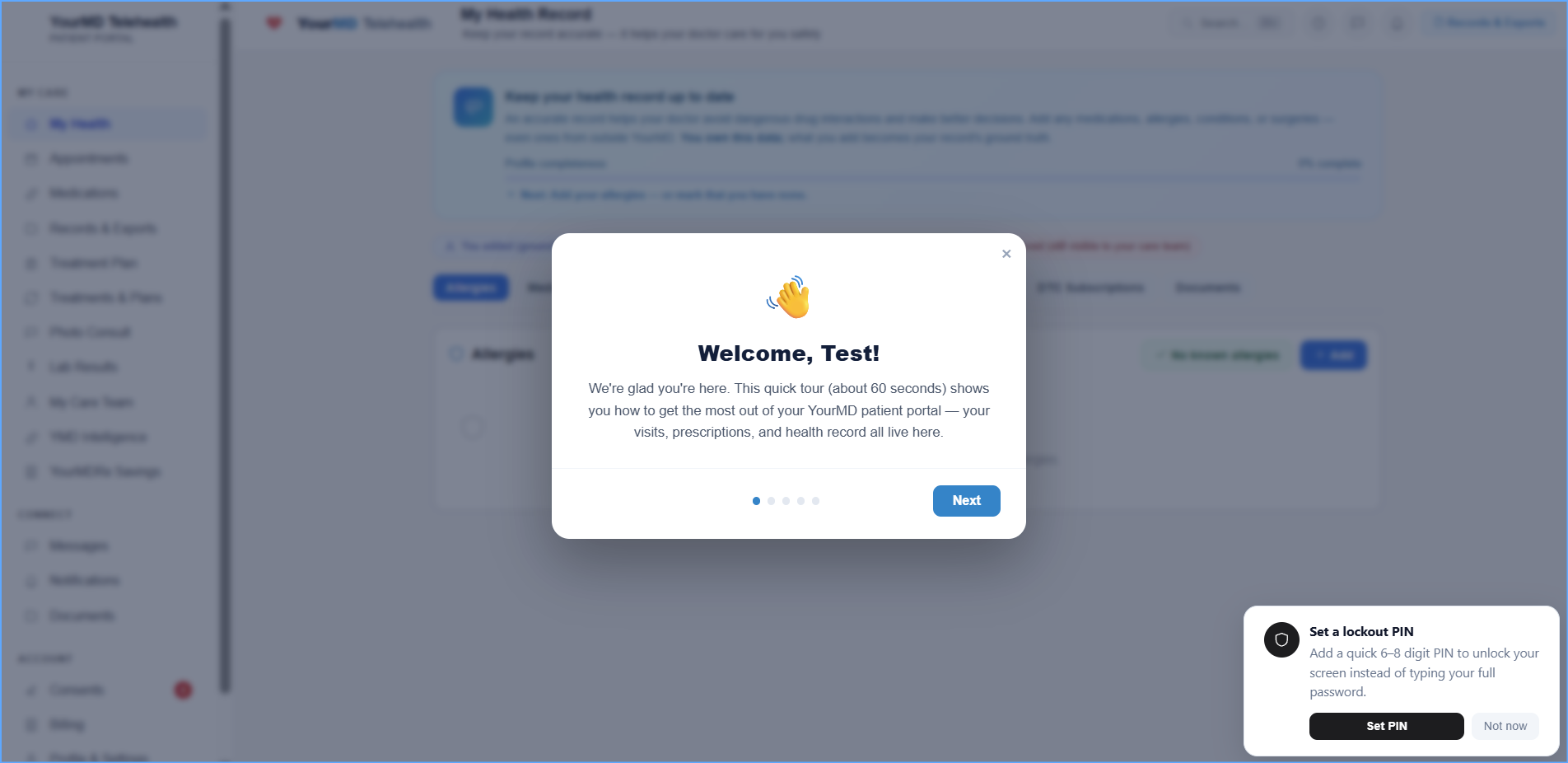
A guided welcome
Your first sign-in opens a short tour of the portal — about a minute, and you can skip it anytime. Everything it covers stays available in the sidebar.
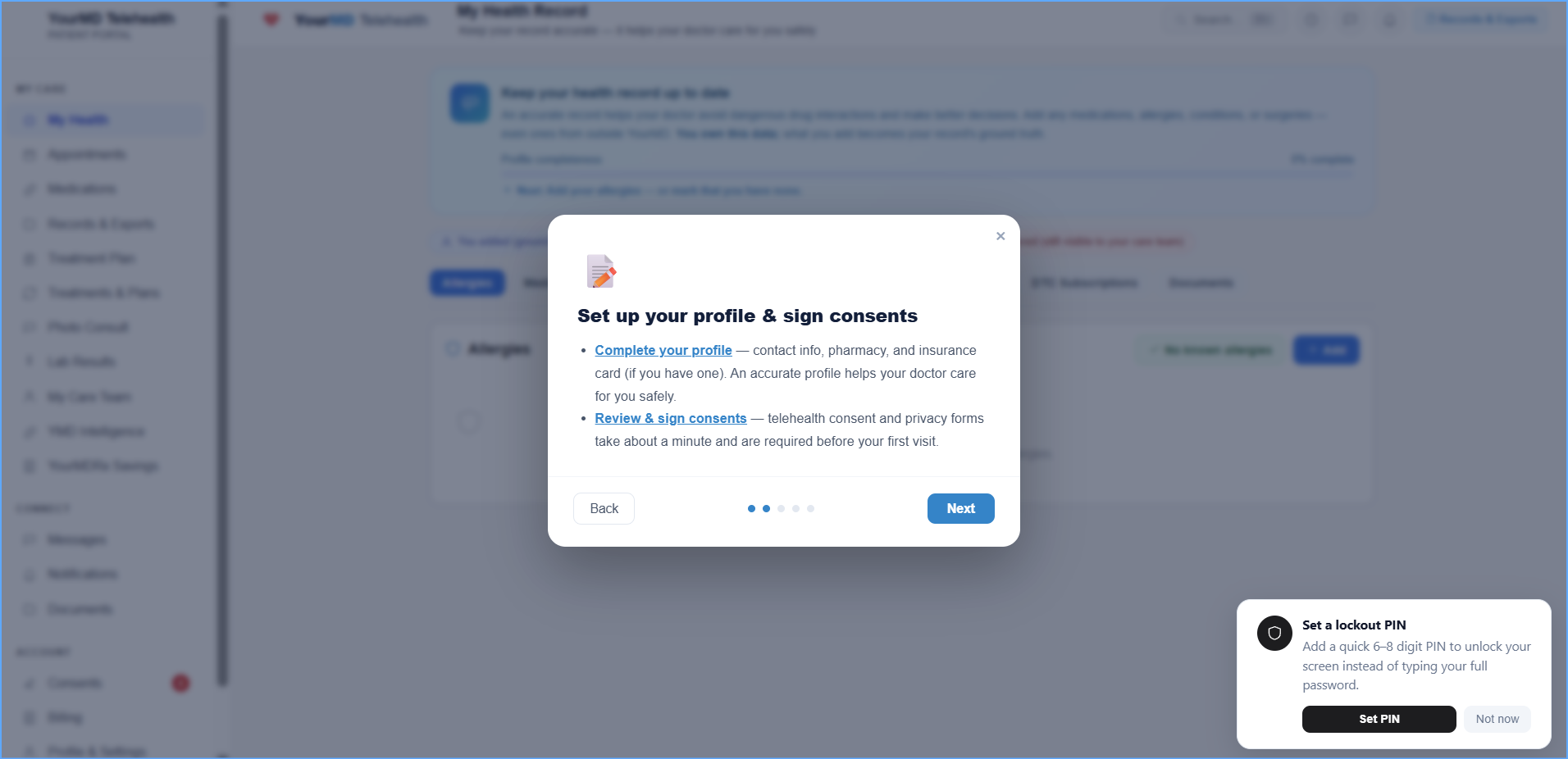
Profile and consents
Add your contact details, pharmacy and insurance card, then review and sign your telehealth consent and privacy forms. Consents take about a minute and are required before your first visit.
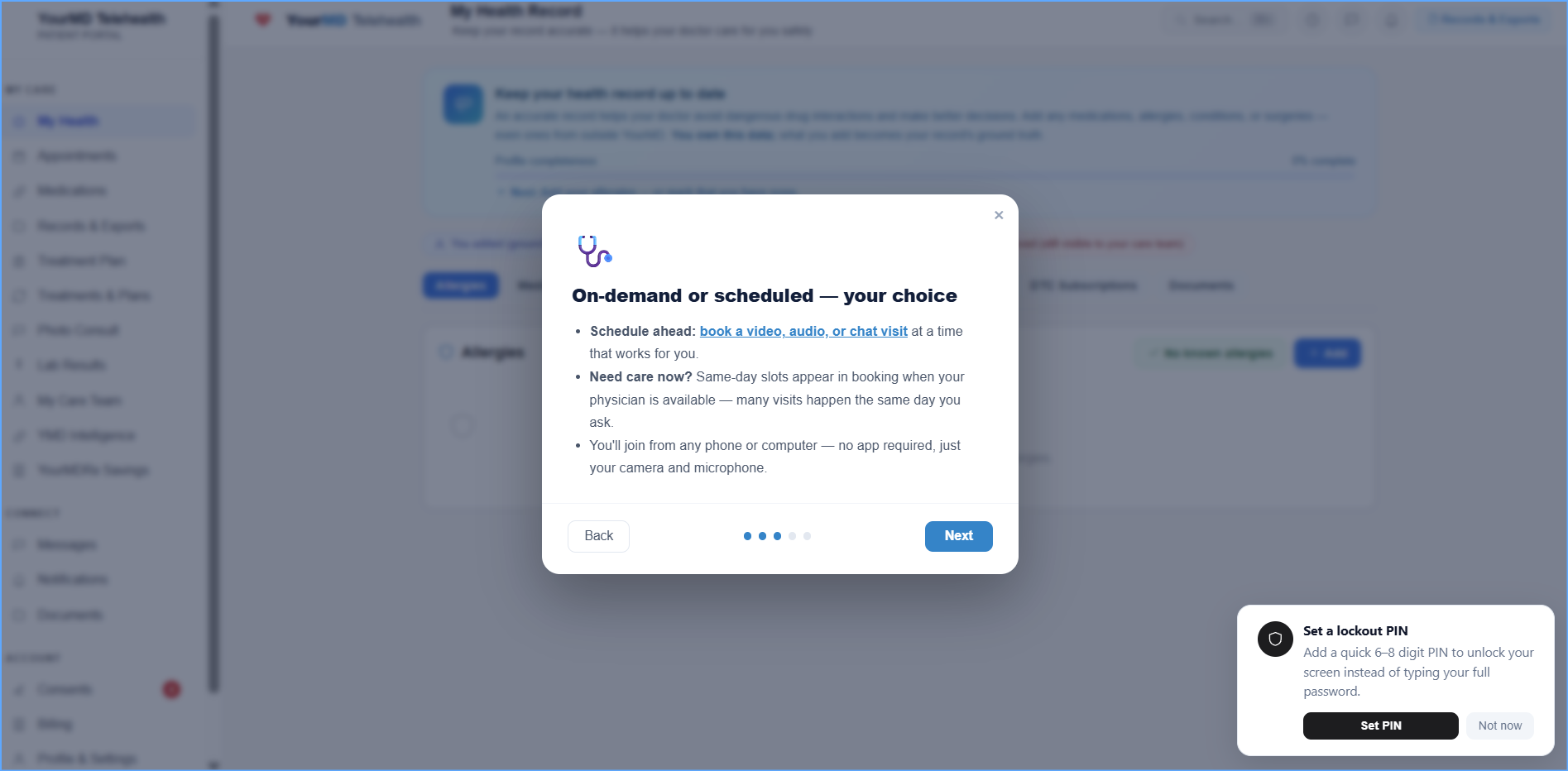
On-demand or scheduled
Book a video, audio or chat visit for a time that works for you — or take a same-day slot when your physician is available. You join from any phone or computer, no app to install.
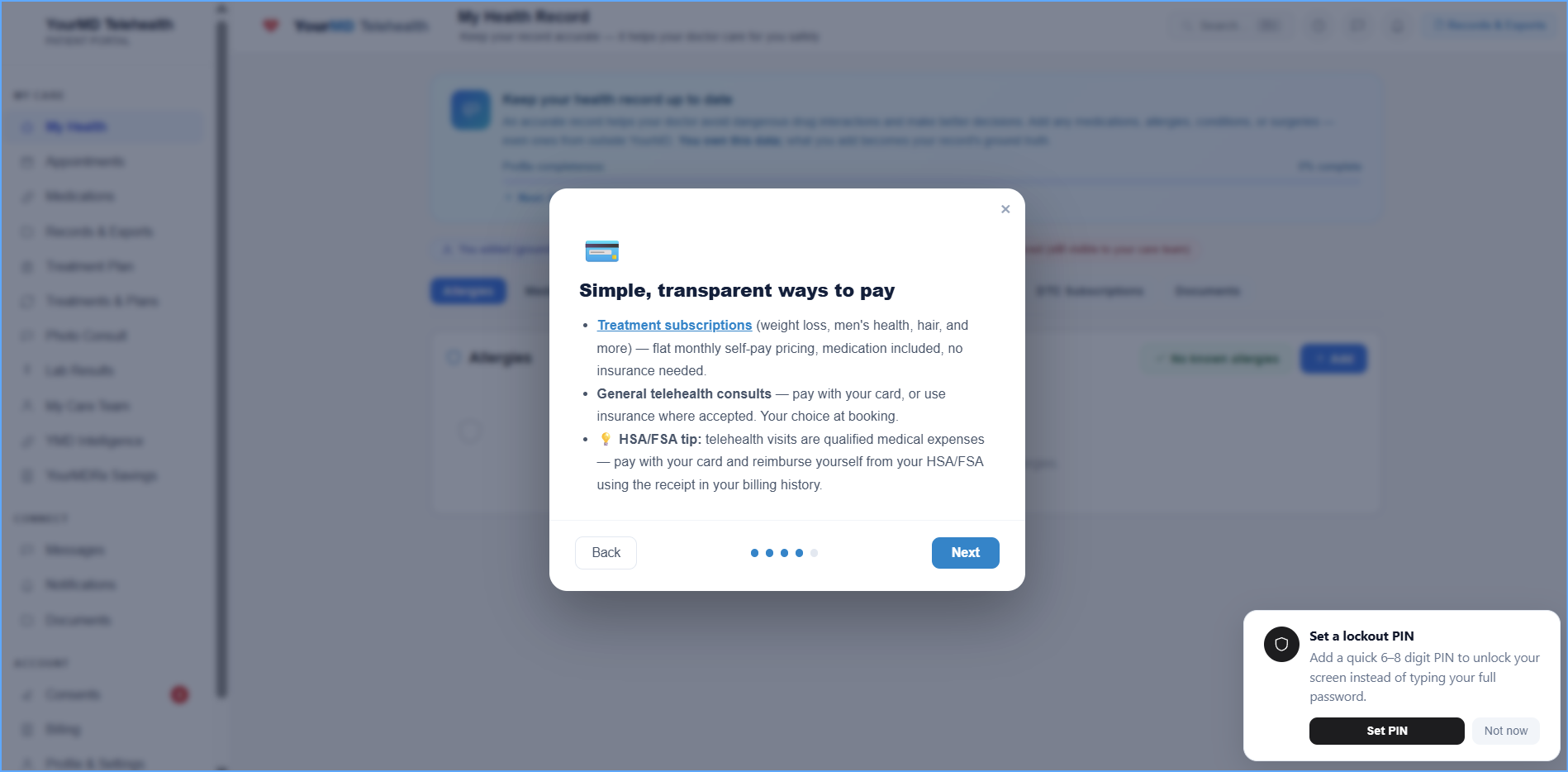
Clear ways to pay
Treatment plans are a flat monthly physician care fee. Medication is never included in the care fee; retail prescriptions are paid to the pharmacy, and a compounded medication is quoted as a final price proposal you accept and pay to YourMD once. General telehealth consults can be paid by card or billed to insurance where accepted — your choice at booking.
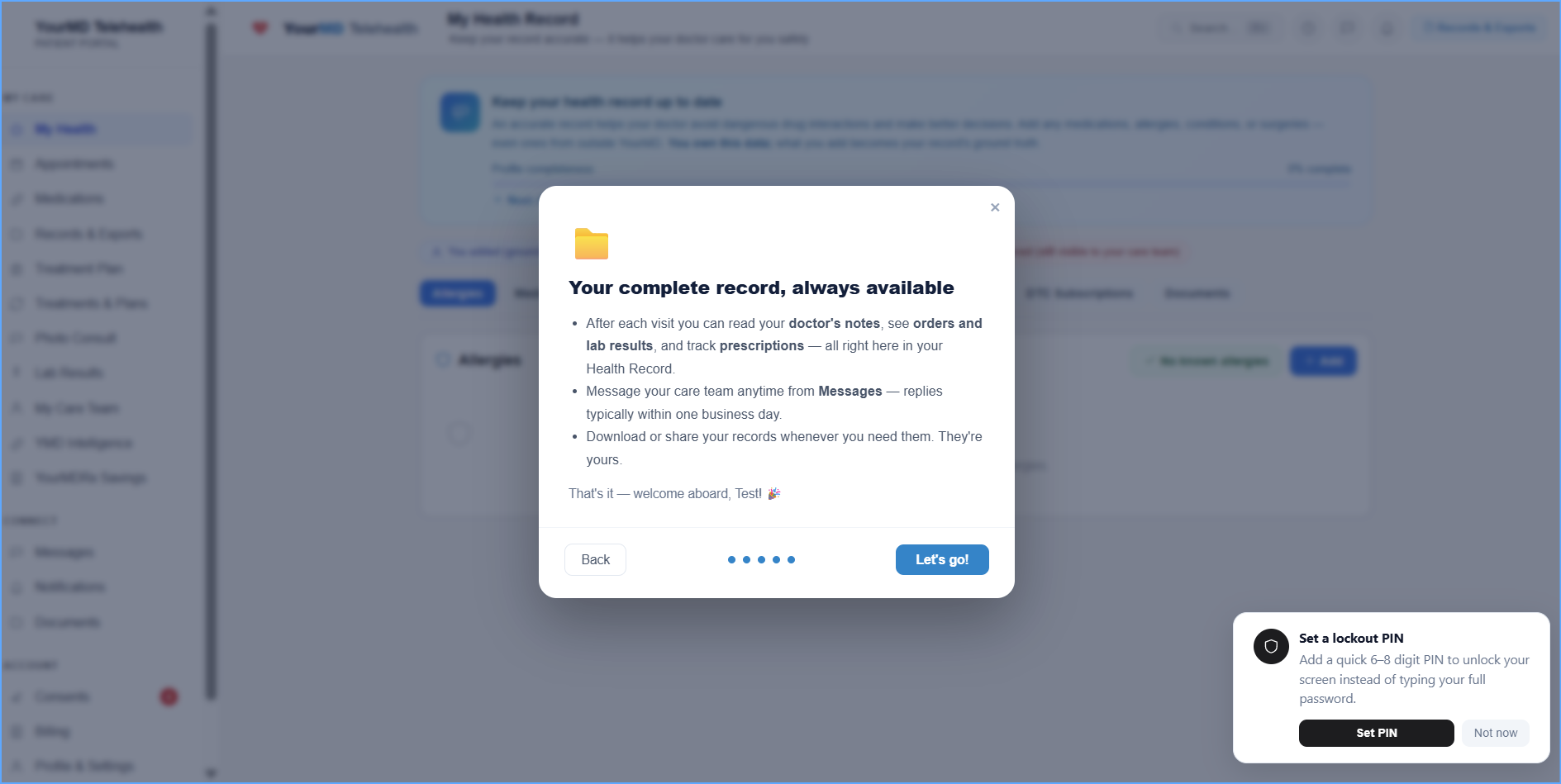
Your complete record
After each visit you can read your doctor's notes, see orders and lab results, and track prescriptions — all in your Health Record. Download or share it whenever you need it.
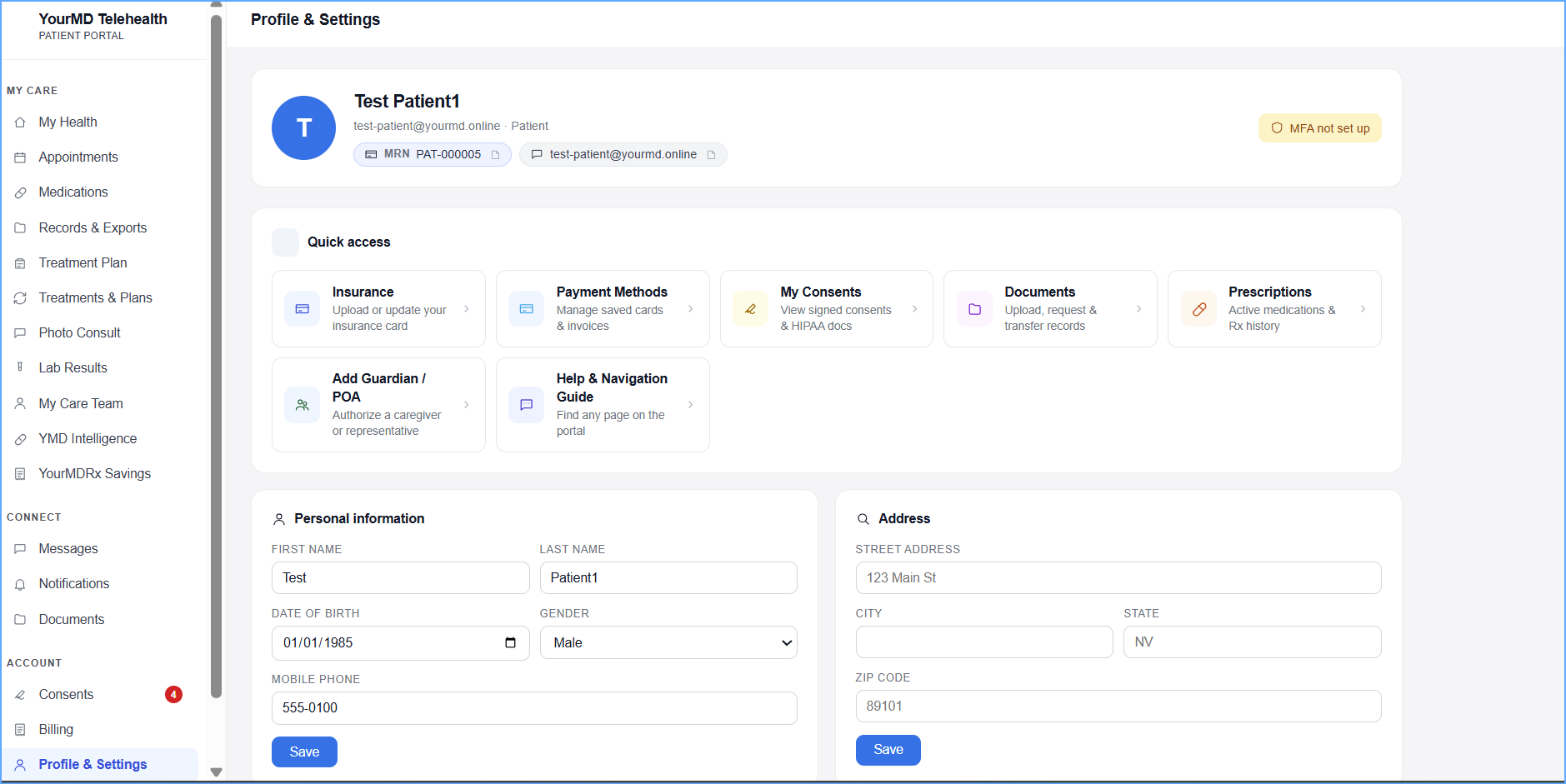
Everything in one place
Profile & Settings puts your insurance card, payment methods, signed consents, documents and prescriptions one tap away — and lets you authorize a guardian or representative to help manage your care.
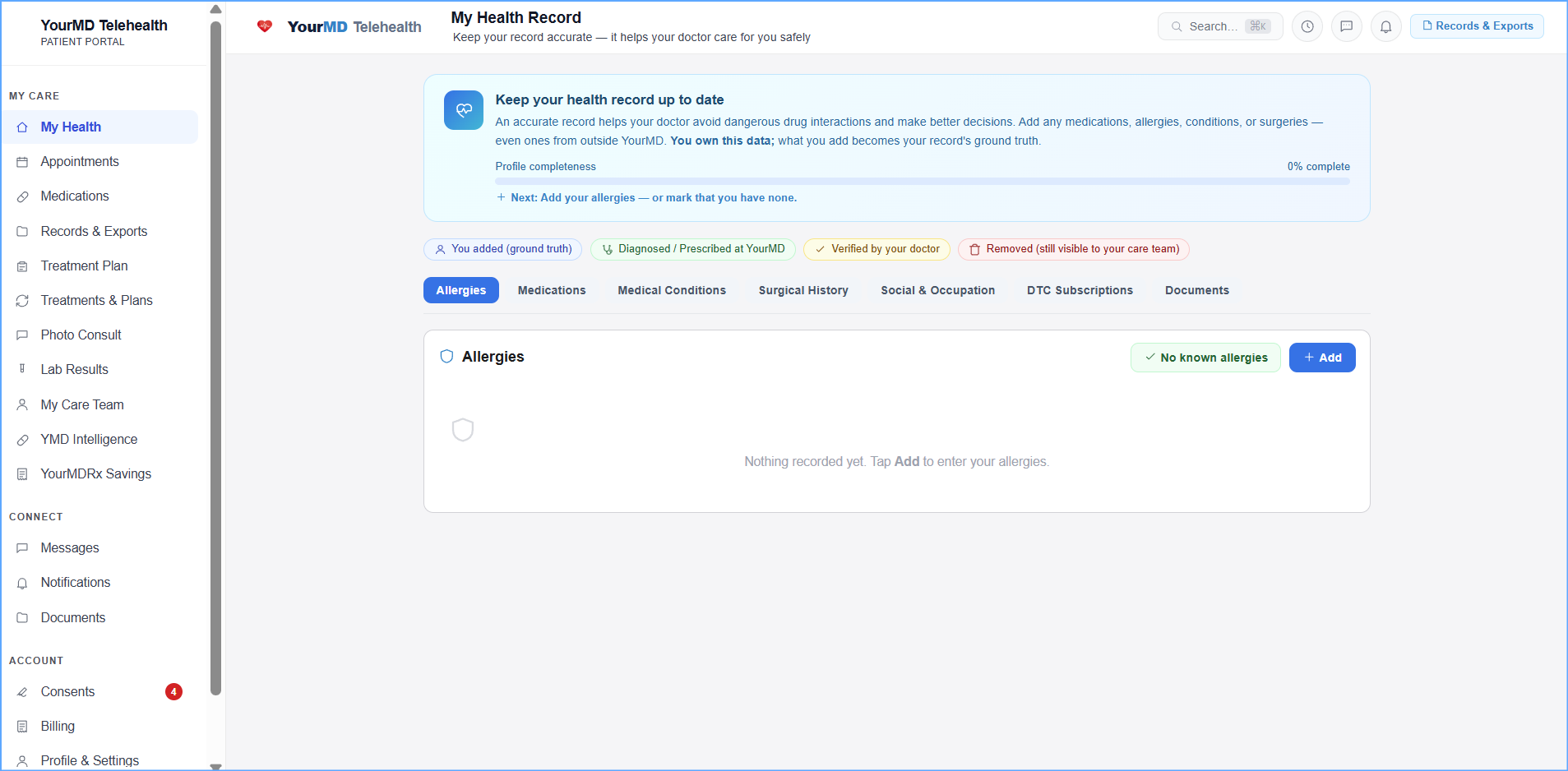
You own your record
Add allergies, medications, conditions and surgeries — including care you received elsewhere. Every entry is labeled by source, so you and your physician can always tell what you reported from what was prescribed or verified at YourMD.
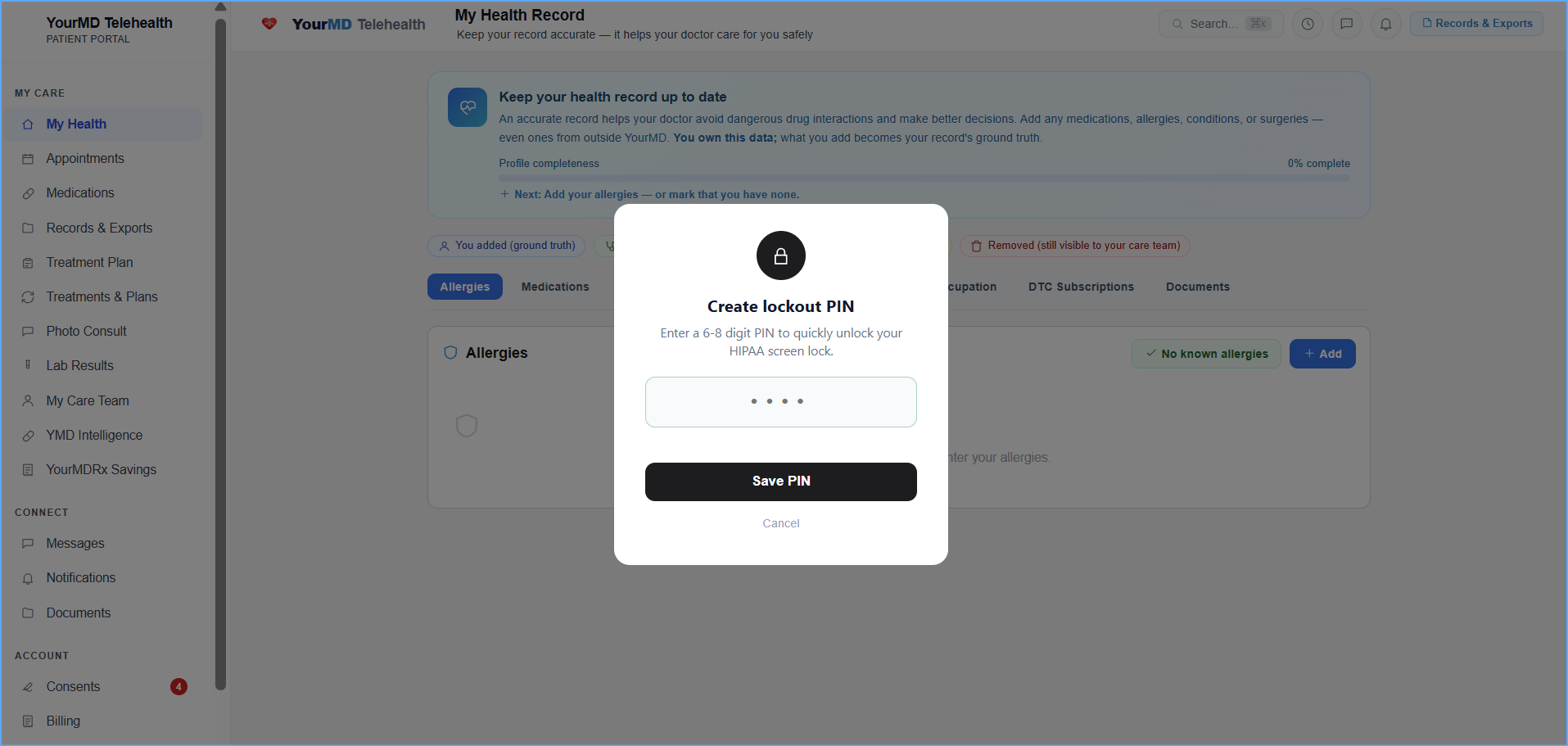
Private on shared devices
Your session locks itself after a period of inactivity, the way HIPAA expects. Set a 6–8 digit PIN to unlock it quickly instead of retyping your full password.
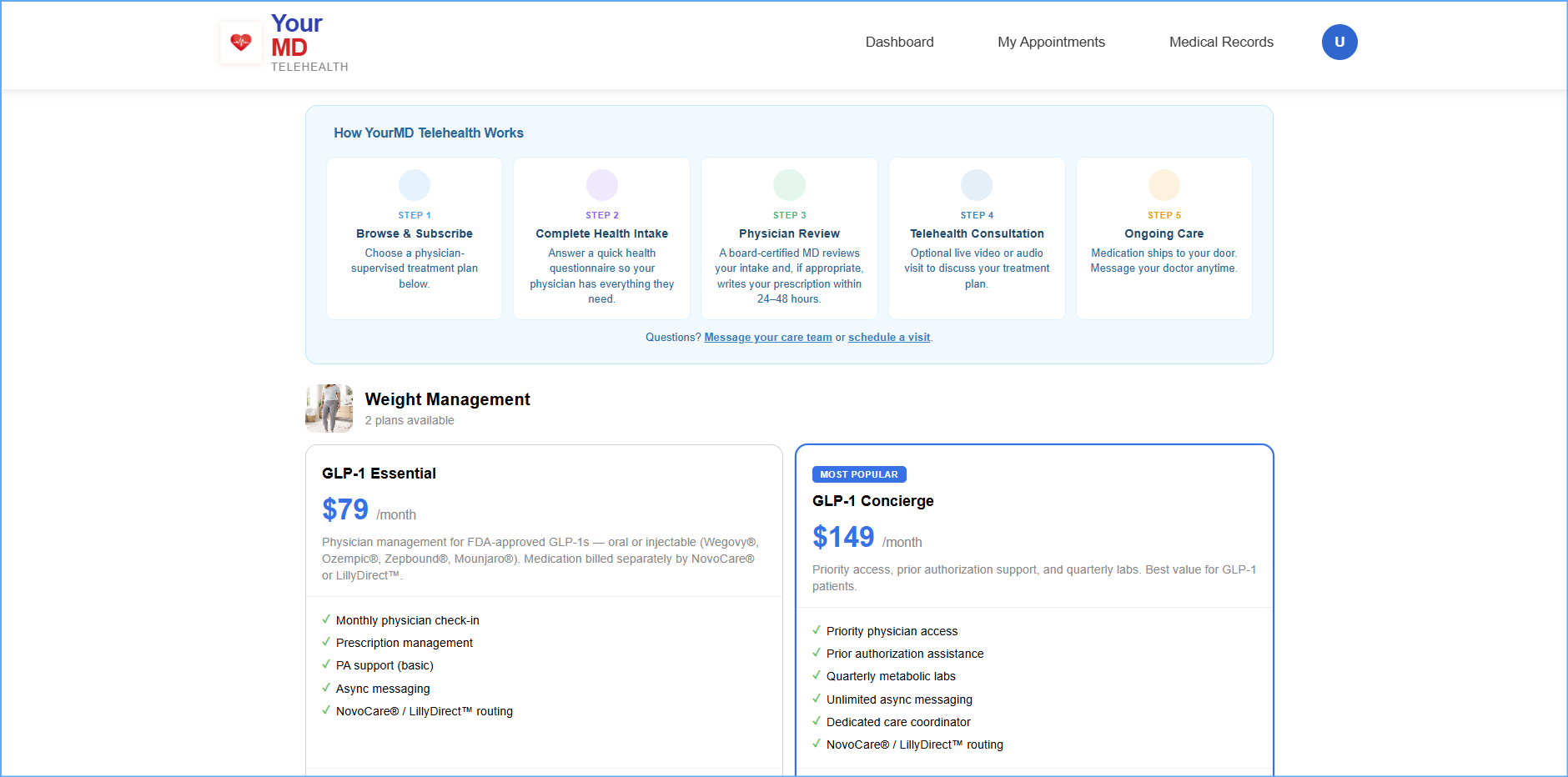
Subscribe to a treatment plan
Browse physician-supervised plans, complete a health intake, and a board-certified MD reviews it and writes your prescription when appropriate. Medication is billed separately from the care fee, and you can message your doctor anytime.
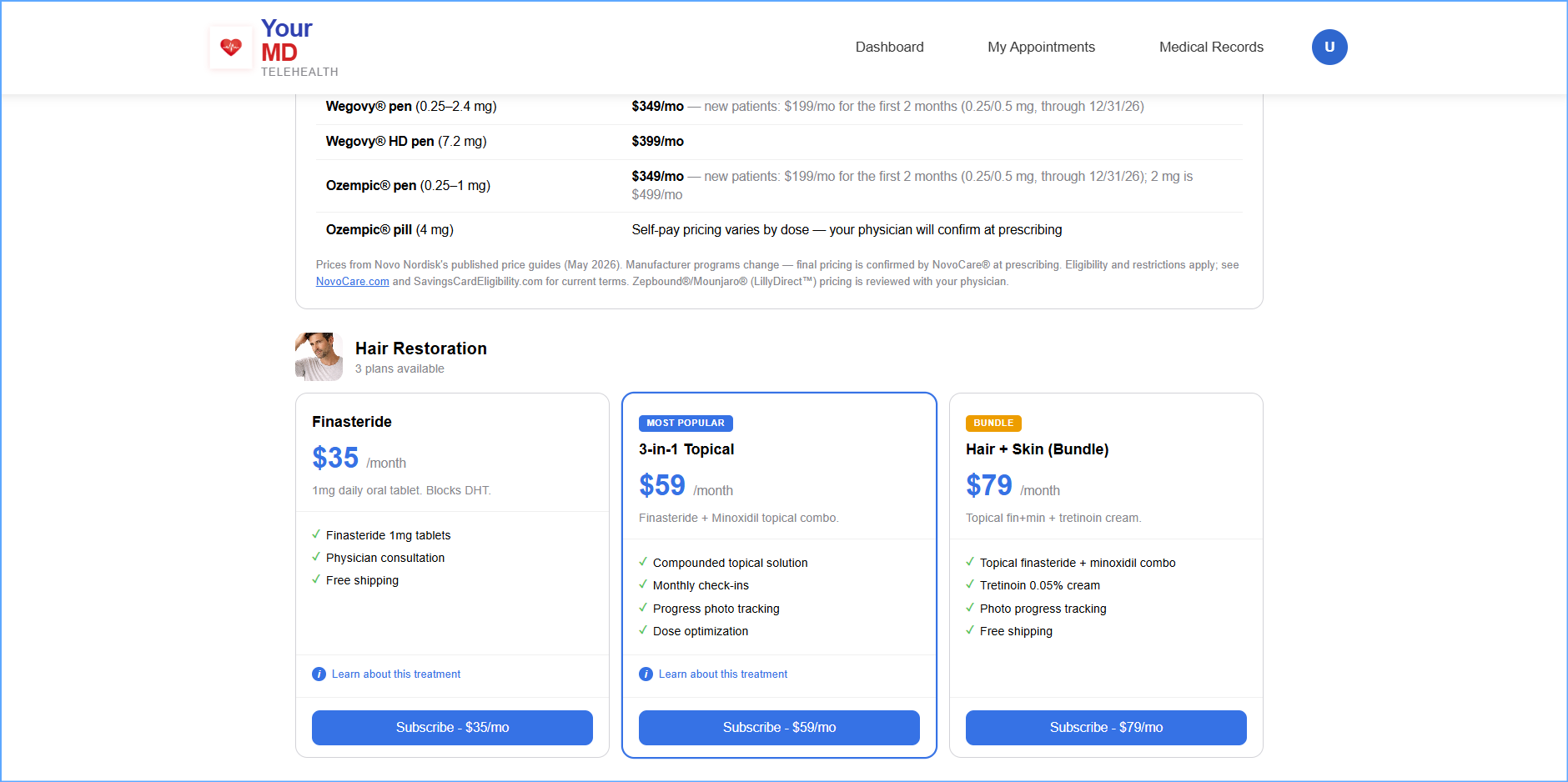
Pricing you can see up front
Every plan lists its monthly care fee and exactly what it covers before you subscribe. Medication is billed separately from the care fee, and no insurance is required.
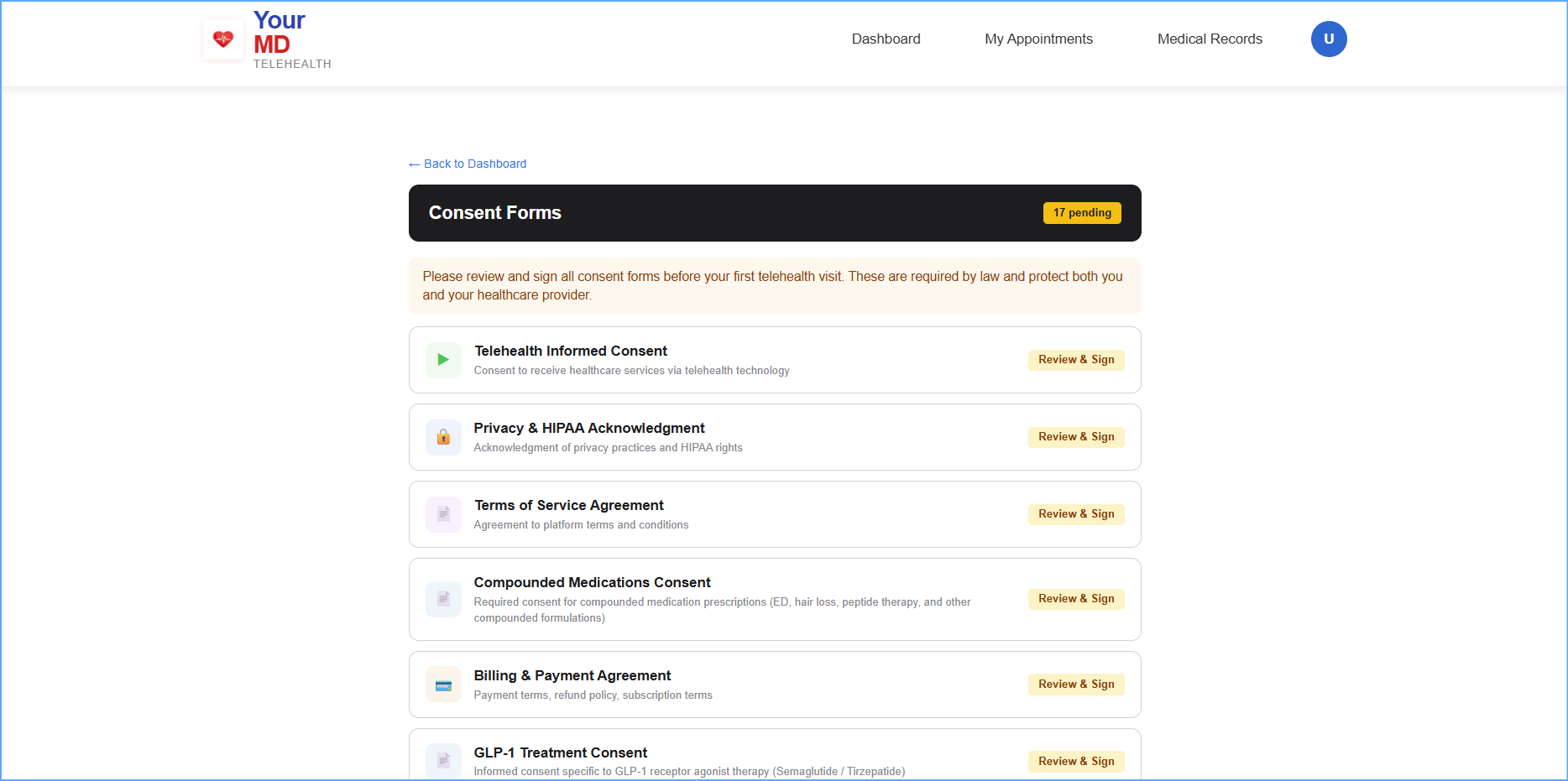
Consents you can read and keep
Telehealth consent, privacy and HIPAA acknowledgment, billing terms, and treatment-specific consents are reviewed and signed in the portal — then stored in your record where you can reread them anytime.
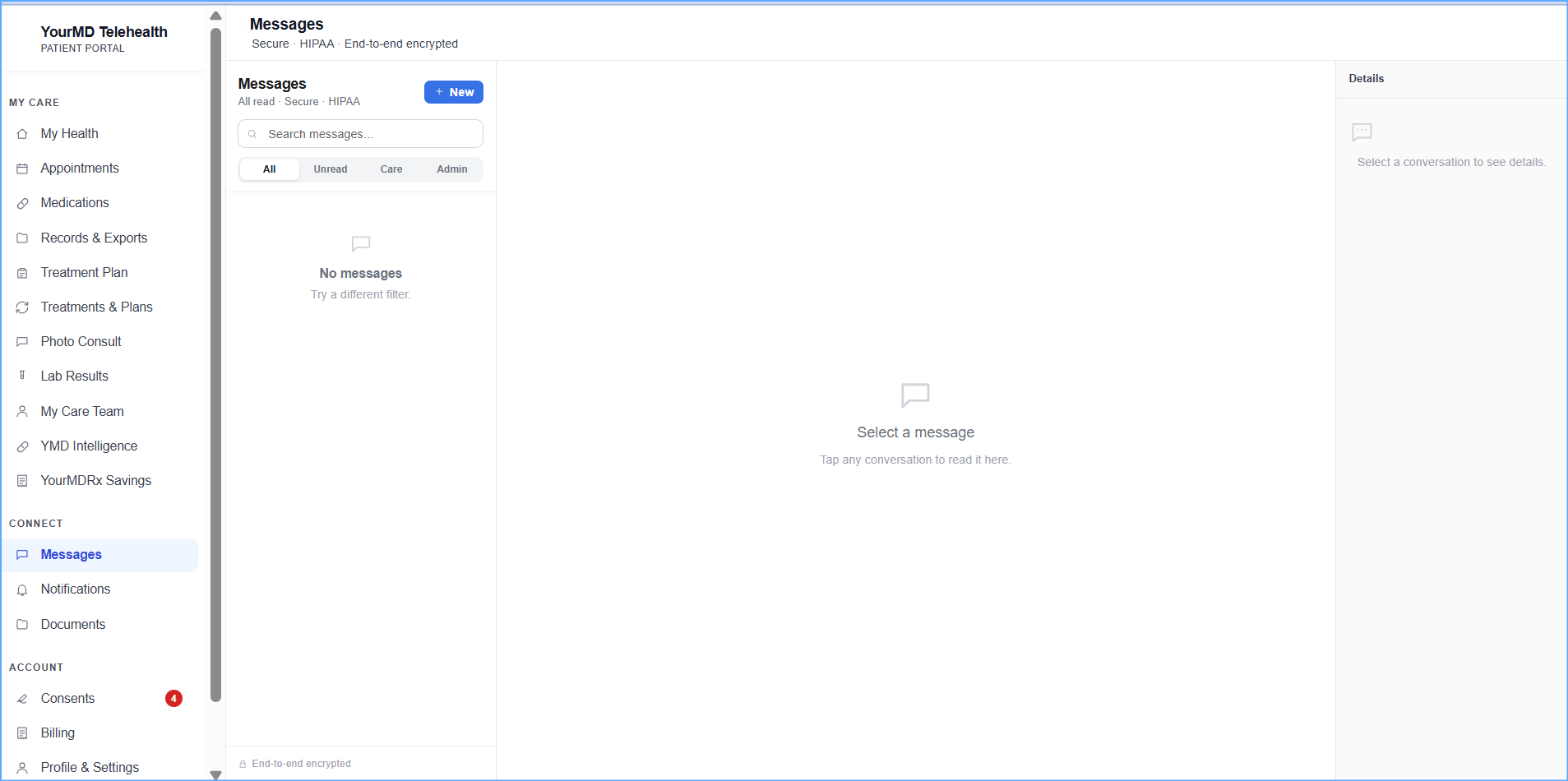
Message your care team
Secure, HIPAA-compliant messaging with your care team — separate threads for clinical and administrative questions. Replies typically arrive within one business day.
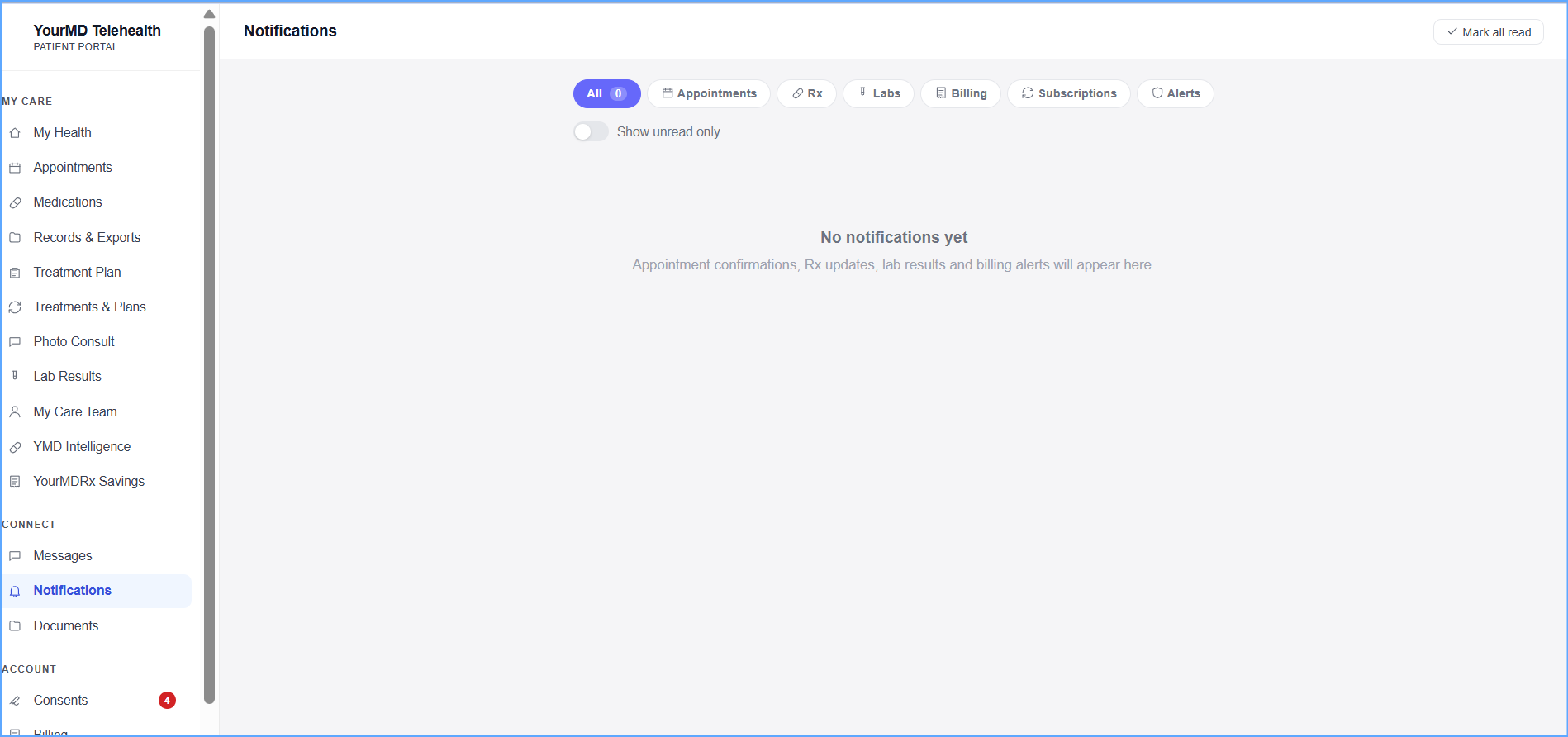
Nothing gets missed
Appointment confirmations, prescription updates, lab results, billing and subscription notices all land in one place, filterable by type.
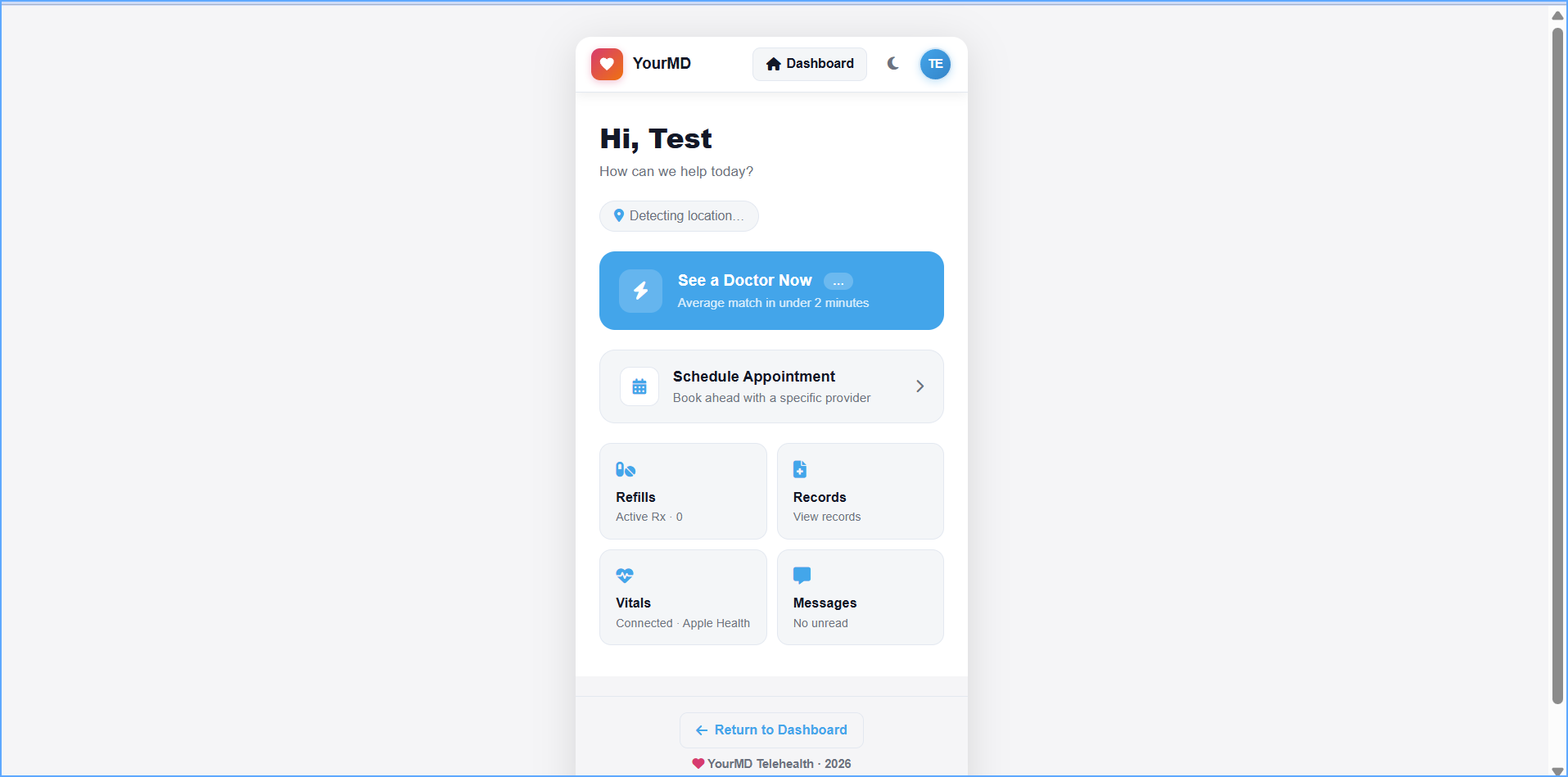
The same portal on your phone
See a doctor now, schedule ahead, request refills, check records and read messages from your phone — no app required.
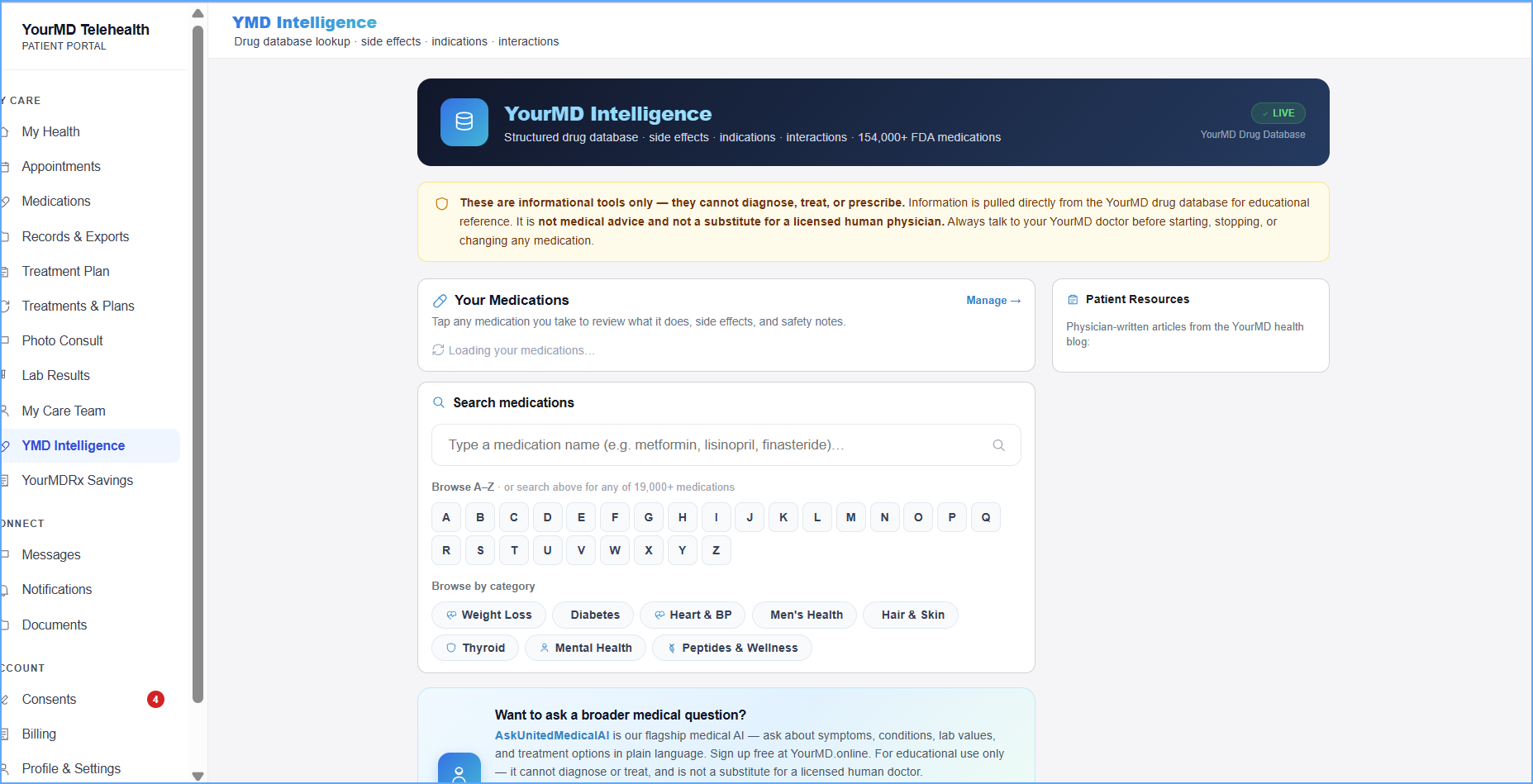
Look up your medications
Search a structured FDA medication database for side effects, indications and interactions, in plain language. These are educational tools only — they do not diagnose, treat or prescribe, and they never replace your physician.
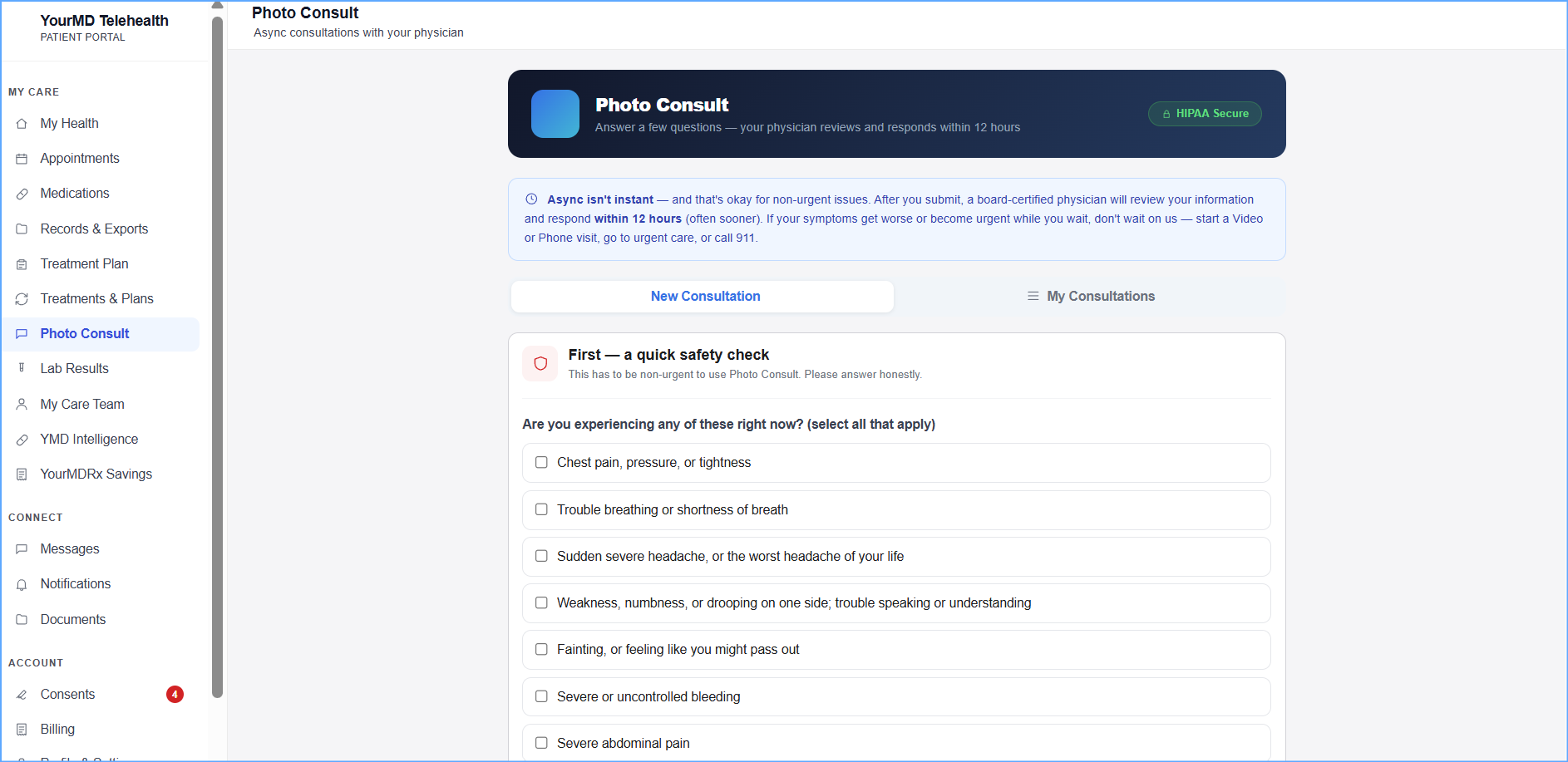
Photo consults, reviewed by a physician
Answer a few questions, add photos, and a board-certified physician responds within 12 hours. It opens with a safety check — anything urgent is routed to a live visit, urgent care or 911 instead of waiting on an async reply.
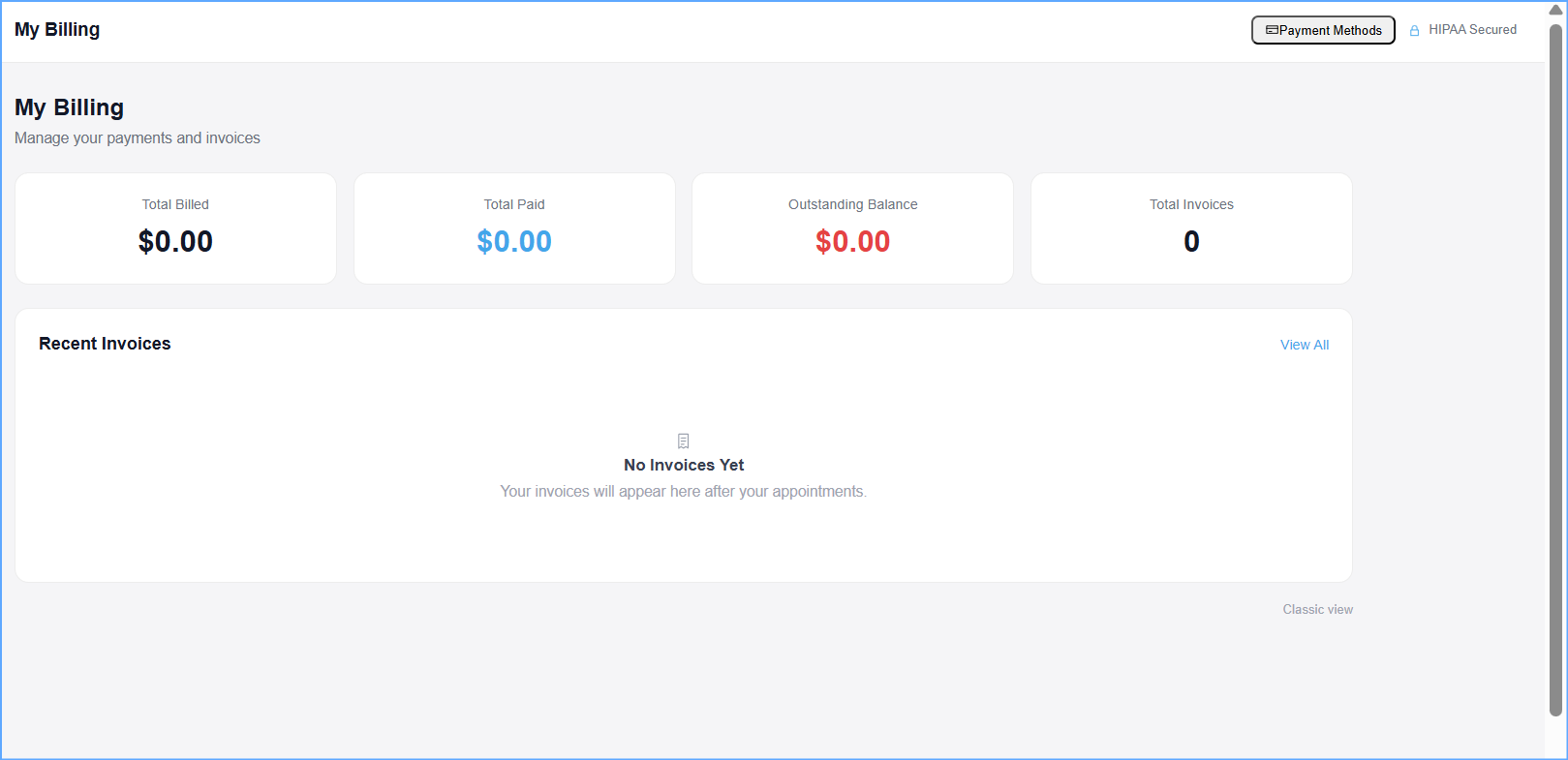
Billing without surprises
Invoices, payments, outstanding balance and receipts in one view — with saved payment methods managed through Stripe. Receipts are what you submit for HSA/FSA reimbursement.
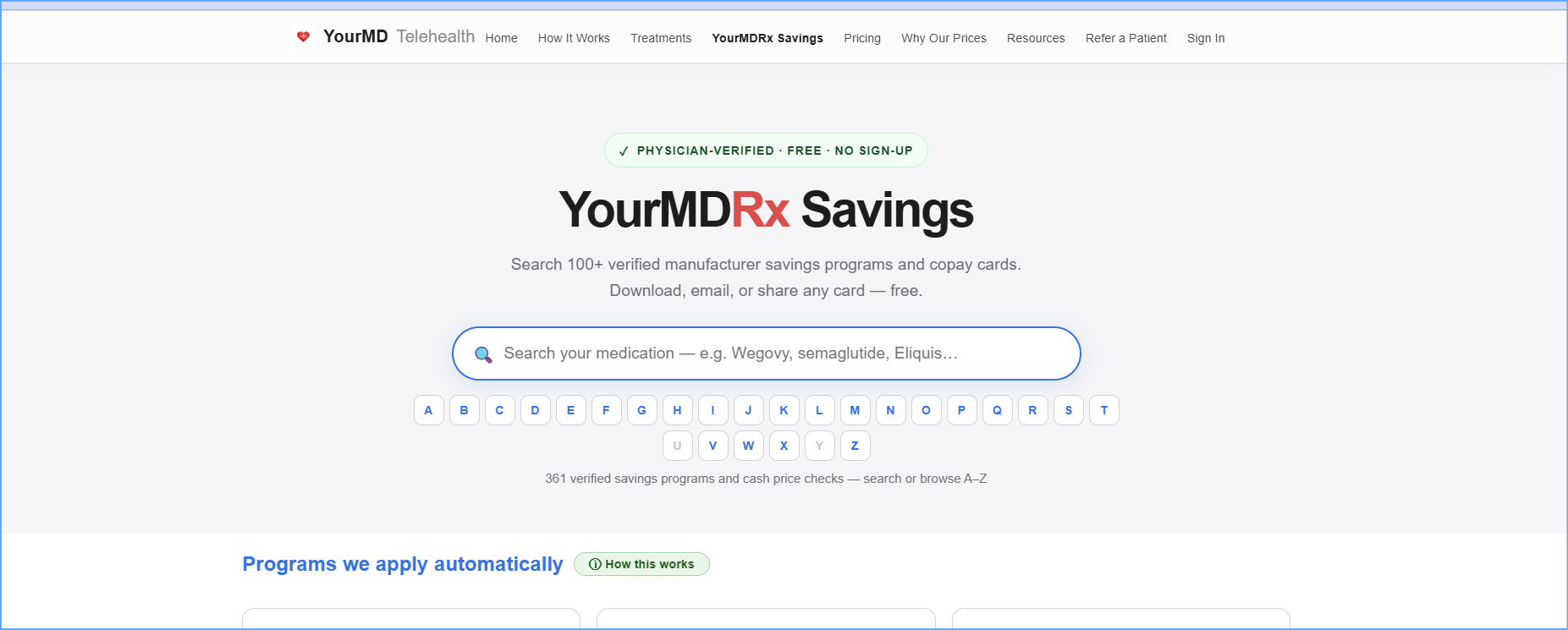
YourMDRx Savings — free, no sign-up
Search verified manufacturer savings programs and copay cards for the medication you take, and download, email or share any card. Open to anyone, patient or not.
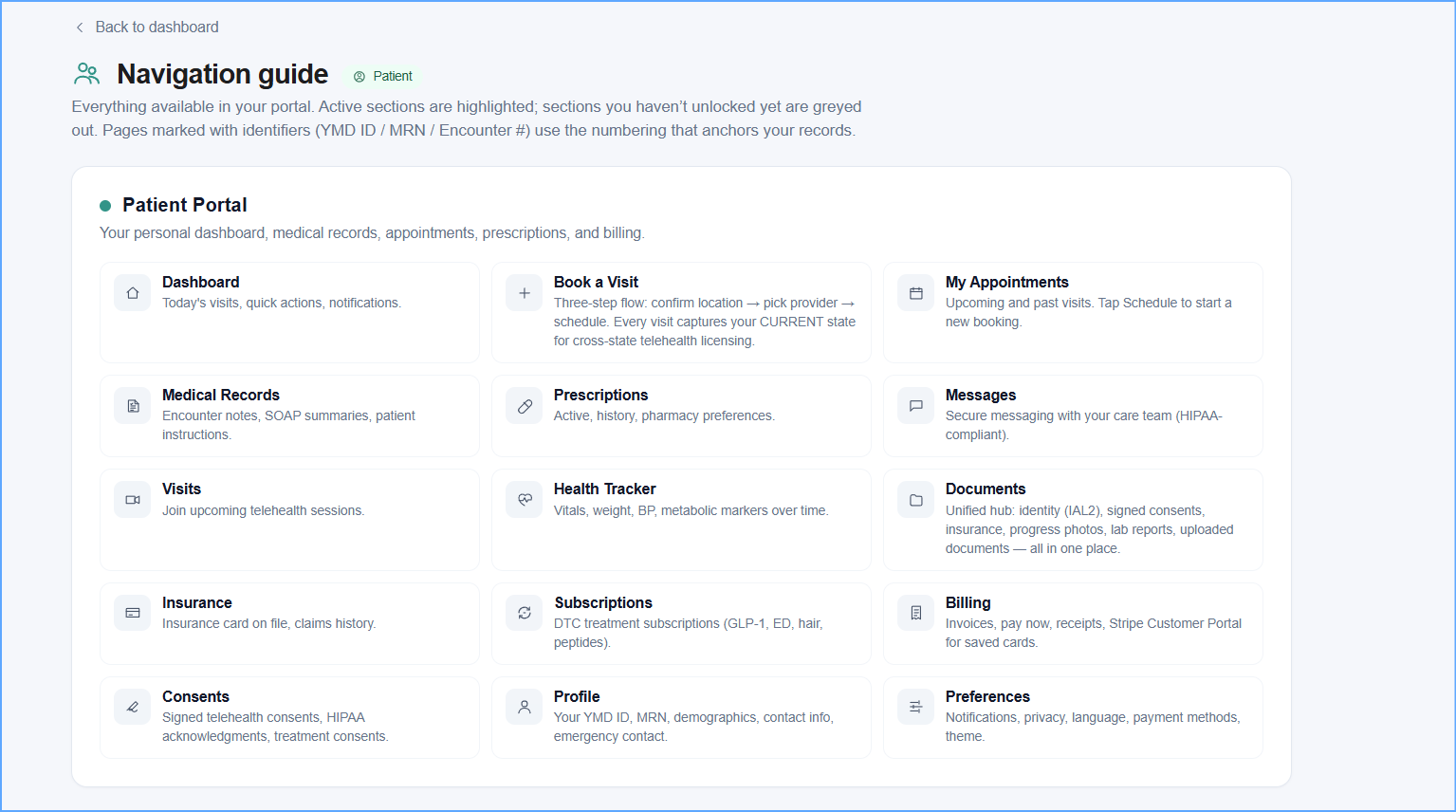
A map of the whole portal
The navigation guide lists every section available to you, with what lives where. Sections you have not unlocked yet are greyed out, so nothing is hidden — you can always see what is there.
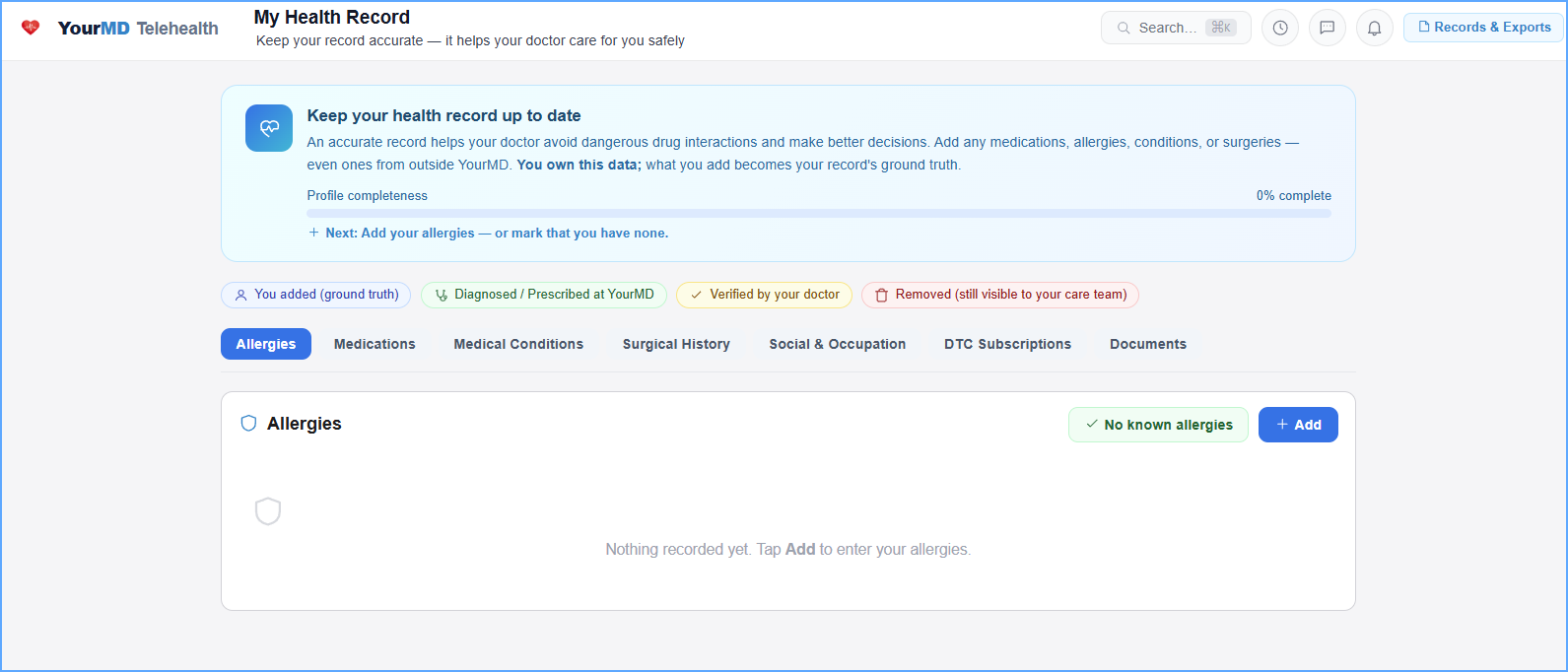
It all comes back to your record
Visits, prescriptions, labs, documents and subscriptions all write back to one health record that you own — and can export or share whenever you want.
1 of 20